Primal Digital Marketing
Google Sheets Automation AI for Small Businesses: 6 Picks
Your team updates the same spreadsheet by hand, and someone still misses the follow-up. That copy-paste ritual costs hours every week, and it is usually what pushes small businesses to look for an AI tool that can watch the sheet, send reminders, and file reports on its own. This article compares six options built for exactly that job.
You will learn the criteria that separate a useful tool from a demo, including integrations, AI capabilities, and pricing. We break down each pick, from Tasks.Bot to Zoye AI, then show how to match a tool to your team's workflow and name a clear number one.
What to Look For in Google Sheets Automation AI
Evaluating Google Sheets automation AI tools requires a structured approach that goes beyond surface-level features. The right fit depends on how deeply a tool connects with your existing systems, how sophisticated its artificial intelligence actually is, and how its cost structure holds up as your small business grows.
A flashy demo can hide weak integrations or a pricing model that punishes you later. A spreadsheet is rarely an island. It usually sits beside a CRM, an inbox, a payment processor, or an inventory tracker, and the automation layer has to reach all of them.
Before comparing software picks, define what your workflow automation truly needs to accomplish. Do you want simple scheduled data entry, or full natural language processing that reads messy input and turns it into clean, structured rows? That single question narrows the field fast.
Keep three lenses in mind throughout this guide: connection depth, AI quality, and total cost of ownership. Each one shapes whether a tool becomes a daily asset or an abandoned experiment.
Key Criteria: Integrations, AI Capabilities, and Pricing
When assessing Google Sheets automation AI tools, focus on three pillars: how well they connect with your existing stack, the depth of their AI features, and whether their pricing scales with your team.
Integrations determine how much of your workflow automation happens without manual copying. Native connectors are the cleanest option because they live inside the spreadsheet or its add-on ecosystem. Beyond that, support for Zapier, Make, and n8n opens hundreds of trigger and action combinations, letting a webhook fire a scenario the moment a form is submitted or a payment clears.
Ask practical questions. Can the tool sync a CRM automatically, or does it require a manual export? Does it support API integration for custom systems, and can a webhook trigger an action without polling delays? A tool with shallow connections forces you back into copy-paste habits, which defeats the purpose of automation.
AI capabilities separate genuine artificial intelligence from simple spreadsheet formulas. Natural language processing lets you type a plain request and receive a result, while GPT-powered formulas can classify, summarize, or translate text directly in a cell. Look for sentiment analysis on customer feedback, anomaly detection on expense rows, and predictive analytics for lead scoring or inventory management.
Concrete tests help. Can it parse voice notes into structured rows? Can it clean inconsistent dates and names automatically? Does it generate a dashboard summary from raw data? These are the features that save real hours on report generation and email automation.
Pricing deserves equal scrutiny. Per-user models suit small teams but grow expensive quickly, while flat-rate plans reward larger groups. Many tools offer a free tier with limits on runs or AI credits. Watch for hidden costs such as paid add-ons, usage caps, or charges per automation task, since these can quietly exceed the headline price.
Match the model to your expected volume. A business running a few scheduled tasks a day has different needs than one processing thousands of invoice rows weekly. The cheapest entry point is not always the lowest long-term cost.
1. Tasks.Bot - Best Overall
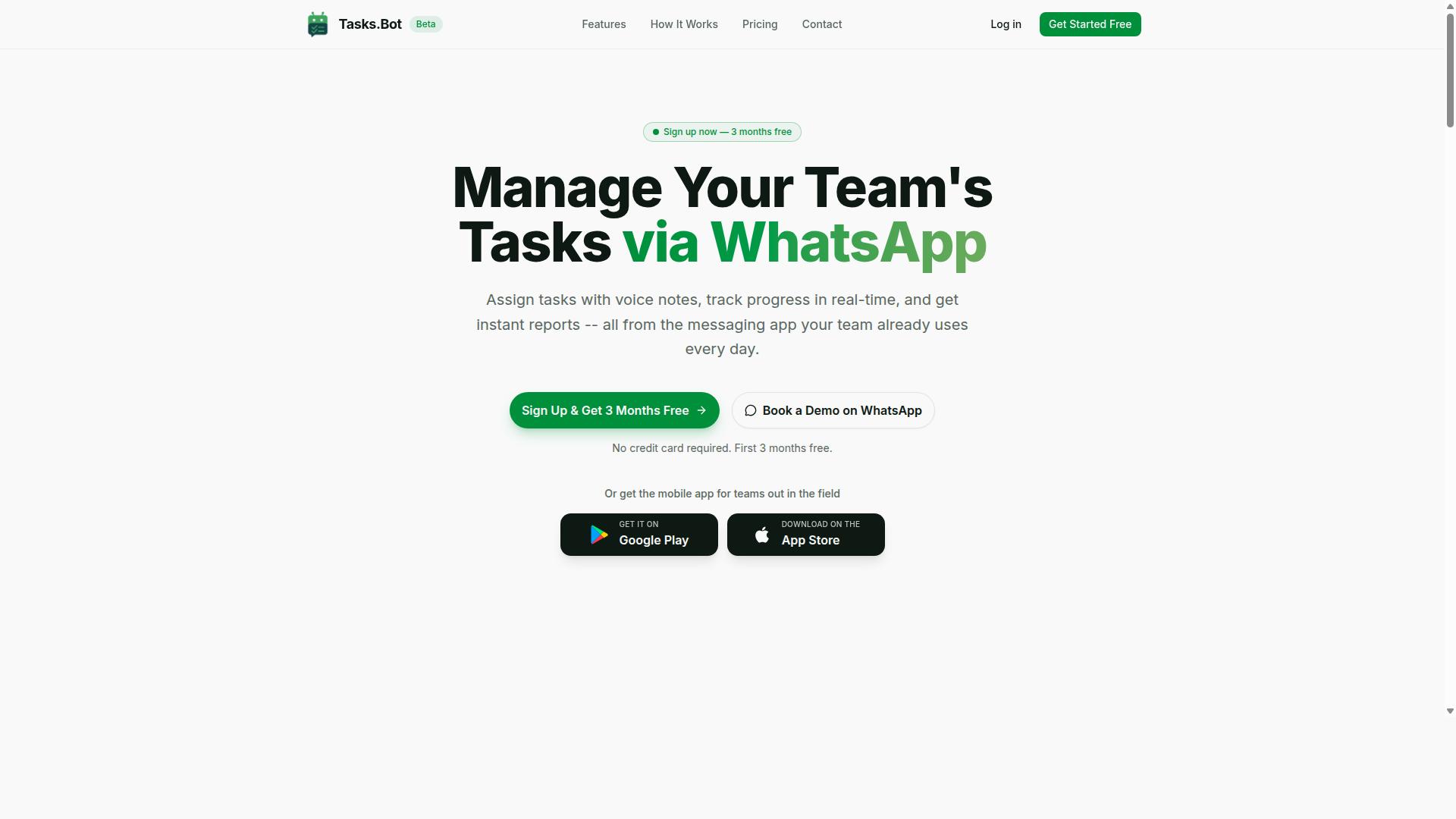
Tasks.Bot earns the top spot for its unique WhatsApp-first approach to task management, which eliminates the need for team members to adopt yet another app. For small businesses already coordinating staff through WhatsApp, this removes one of the biggest barriers to task automation: getting everyone to log into a new system.
The platform uses AI to understand natural language and voice notes, turning casual messages into structured tasks. That combination of a familiar interface and intelligent task creation makes it a strong fit for teams that want automation without a steep learning curve.
The two sections below break down what sets Tasks.Bot apart and what it costs.
Why Tasks.Bot Tops This List
Tasks.Bot stands out because it leverages AI to turn voice notes and natural language into structured tasks, all within WhatsApp. Team members do not need to install anything or create new accounts. If they can send a message, they can use the tool.
The feature set extends well beyond basic task creation. Key capabilities include:
- Voice note task creation and automatic task assignment
- Smart deadline reminders, approvals, and automations
- Instant reports, tasks on a map, and a live day tracker
- Face-verified attendance plus shifts, leave, and hours management
- Native WhatsApp integration with Android and iOS apps, push notifications, voice capture, and a home screen widget
For small businesses with field staff, the face-verified attendance and live GPS tracking address a real operational gap. Managers can confirm who showed up and where work happened without chasing paper registers or spreadsheets.
Data security is handled with enterprise-grade encryption. Conversations and task data are never shared or used for training, which matters for businesses handling client or employee information.
Tasks.Bot is currently in beta, and a "Book a Demo on WhatsApp" option lets interested teams see the workflow before committing. That low-friction demo path mirrors the product itself: no lengthy onboarding, just a conversation.
Pricing and Free Trial
Tasks.Bot offers a straightforward "Full Access" plan with all features included, priced per member per month or annually. There are no tiered feature locks to compare, which simplifies budgeting for small teams.
| Plan | Price |
|---|---|
| Monthly | ₹200 per member per month |
| Annual | ₹1,200 per year per member (save 50%, save ₹1,200/yr per member) |
Pricing is available in Indian Rupees and US Dollars, and the site includes a "Select currency" option. Currency should be verified at checkout, since displayed prices may vary by selection.
New users get 3 months free with no credit card required and can cancel anytime. The service is in beta, and a refund policy is mentioned in the footer of the site.
Note that the verified pricing lists a 3-month free trial rather than a conventional free tier, and a demo can be booked on WhatsApp for teams that want a walkthrough first. For a small team of five, the annual plan works out to ₹6,000 per year in total, which keeps per-person costs predictable as headcount changes.
2. Reminderly.ai
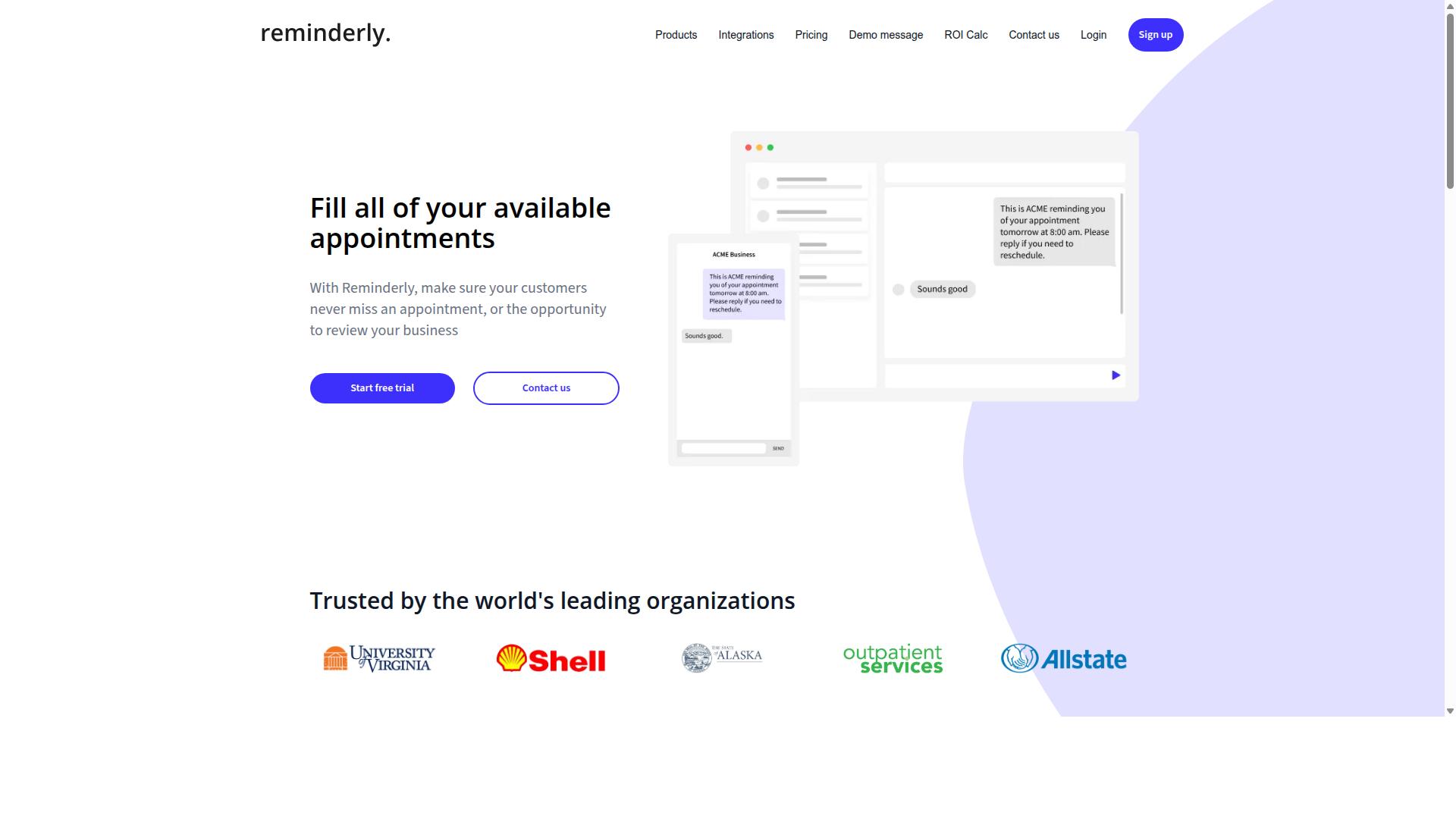
Reminderly.ai focuses on automating reminders and follow-ups directly from Google Sheets, using AI to parse dates and trigger actions. For a small business, this addresses one of the most common spreadsheet problems. A due date sits in a column, and someone still has to remember to act on it.
Rather than treating a spreadsheet as a static record, this category of tool watches the data and turns date fields into scheduled events. The core idea is simple. When a cell contains a deadline, the software decides when to send a message, and to whom.
Because public information about Reminderly.ai is limited, treat the details below as typical of reminder-focused Google Sheets automation rather than confirmed specifications. Verify current capabilities, limits, and pricing on the vendor's own site before committing.
Natural language date parsing is the feature that separates reminder tools from plain spreadsheet formulas. Instead of requiring a strict format like 2025-03-14, the AI can often interpret entries such as "next Tuesday" or "in two weeks." That flexibility matters for small teams entering data quickly.
Most tools in this space connect to Google Sheets in one of two ways:
- Native add-on: installed from the Google Workspace Marketplace, running inside the spreadsheet itself.
- No-code connector: linked through platforms like Zapier or Make, where a new or updated row acts as a trigger.
The connector route usually offers more flexibility. A trigger fires when a row changes, and the action sends an email, a chat message, or a task assignment. A webhook can push the same event into other software in the stack.
Typical use cases for small businesses include:
- Invoice follow-ups: a payment due date column drives polite reminders as the date approaches.
- Task deadlines: an owner column plus a due date sends the right person a nudge.
- Lead tracking: a CRM sync or lead sheet triggers a check-in after a set number of days.
- Renewals and appointments: subscription or booking dates generate advance notices.
There are practical limits worth weighing. Reminder accuracy depends on clean data, so empty or malformed date cells can cause missed or duplicate messages. Some tools also cap how many reminders run per month on lower tiers.
For a small business, the appeal is reducing manual chasing without hiring anyone. If your workflow already lives in a spreadsheet, a reminder layer can be added with little setup and no coding.
3. TaskRio
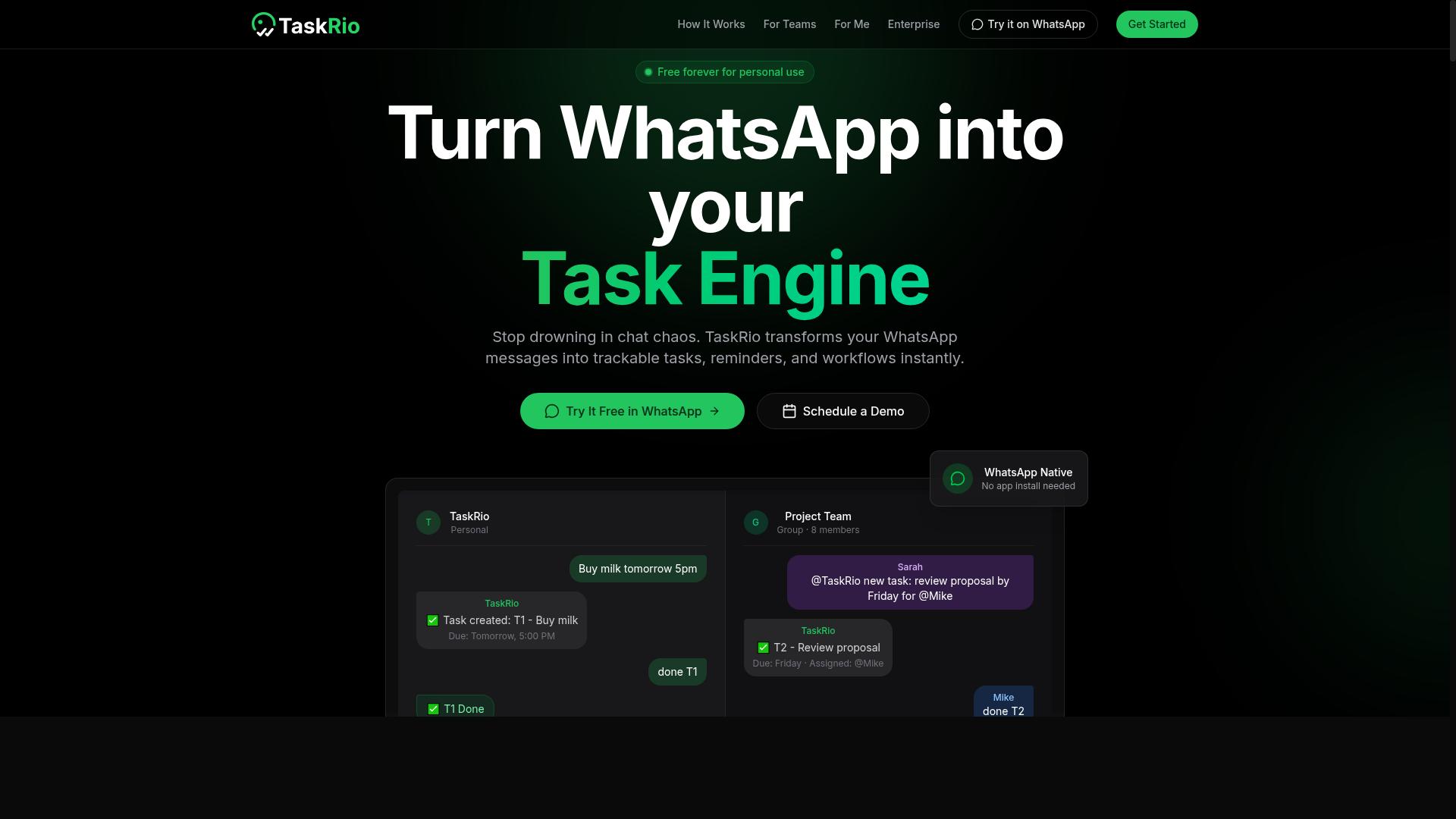
TaskRio positions itself as a task management layer for Google Sheets, enabling teams to assign and track tasks without leaving the spreadsheet. Rather than asking users to adopt a separate project management app, it treats the sheet itself as the workspace. For small businesses already running lead tracking, inventory management, or client follow-ups in Google Sheets, that approach can reduce the friction of switching between tools.
The core appeal is familiarity. Team members keep working in a spreadsheet they already understand, while TaskRio adds structure on top through task assignment fields, status tracking, and due date columns. This keeps the learning curve low compared with full project management platforms.
Where artificial intelligence comes in, the tool is generally described as helping with task prioritization and auto-assignment. In practice, that usually means surfacing which items need attention first or routing tasks to the right person based on rules and patterns. Because public documentation is limited, the depth of these AI features is best verified directly with the vendor before committing.
Integration is another consideration. TaskRio is typically mentioned alongside common workflow automation platforms such as Zapier, Make, and n8n, which can connect spreadsheet tasks to email automation, CRM sync, or notification triggers. A webhook or API integration may also be available for custom scenarios, though specifics vary.
Based on typical user feedback patterns for tools in this category, potential pros and cons look like this:
- Pros: low learning curve, works inside an existing spreadsheet, useful for small teams new to task scheduling, and reduces manual data entry.
- Cons: limited visibility into AI capabilities from public sources, may lack the depth of dedicated project management software, and heavier dependency on Google Sheets structure.
For a small business weighing software picks, TaskRio is worth a look if the team already lives in spreadsheets and wants lightweight task tracking with some automation. If advanced reporting, dashboards, or predictive analytics matter more, a more specialized option may fit better.
4. Karo.bot
Karo.bot is a chatbot-style automation tool that connects to Google Sheets to execute tasks based on conversational commands. Instead of building a multi-step scenario with drag-and-drop blocks, users type what they want in plain language and the tool interprets the request.
That conversational layer is the main draw. It lowers the learning curve for no-code users who find traditional workflow builders slow to set up. The chatbot acts as the front end, while Google Sheets serves as the data layer behind it.
Because public documentation on Karo.bot is limited, treat the details below as a general picture of how chatbot-driven spreadsheet automation tends to work rather than a confirmed feature list. Verify current capabilities directly before committing to it.
How the chatbot interface typically fits into a spreadsheet workflow:
- A user sends a message describing the task, such as adding a row or pulling a summary.
- The tool parses that message using natural language processing to identify the intent.
- It maps the intent to a specific action on a connected Google Sheet.
- The action runs and the result is returned in the chat thread.
Intent recognition is the piece that decides whether this approach works well. A well-tuned model can tell the difference between "log this lead" and "show me this week's leads," but ambiguous phrasing can still produce the wrong action. Expect to phrase commands clearly at first.
Integration options for chatbot tools in this category usually include a direct Google Sheets connection, plus API integration or webhook support for pushing data to other systems. Some also connect through automation platforms like Zapier, Make, or n8n when a native link is not available. Availability varies by tool, so confirm what is supported.
Typical small business use cases lean toward repetitive, text-heavy work:
- Data entry from chat messages into structured rows
- Report generation that summarizes a range on request
- Quick lookups against a CRM sync or lead tracking sheet
- Simple task scheduling logged to a shared spreadsheet
Karo.bot suits teams that prefer typing instructions over configuring triggers and actions. If your workflows are complex or need tight error handling, a visual builder may still be the safer choice.
5. The Sarah AI
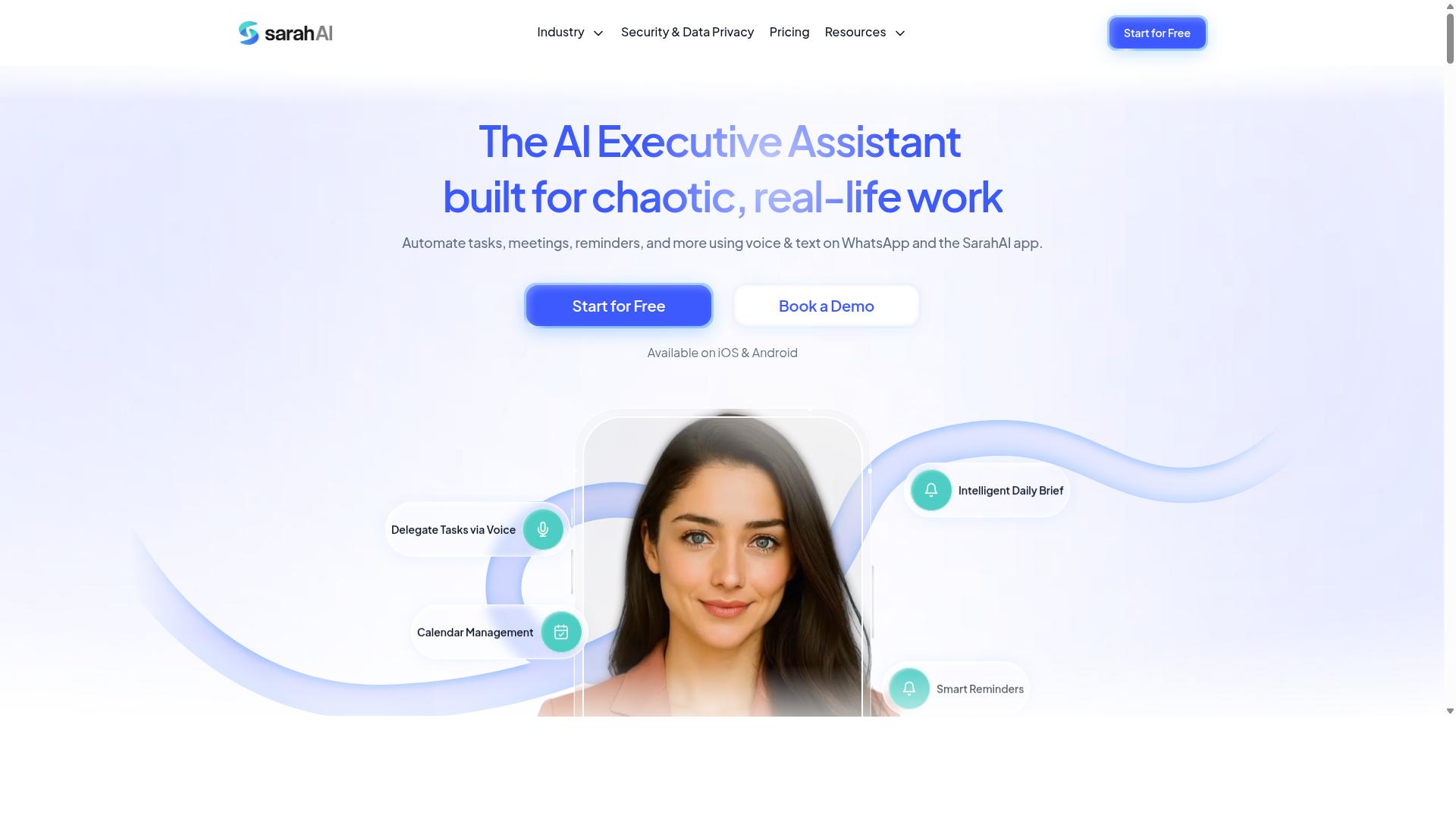
The Sarah AI acts as a virtual assistant that can manipulate Google Sheets data using natural language commands. Instead of writing formulas or recording macros, a user types a plain English request such as "remove duplicate rows" or "flag negative customer feedback," and the tool interprets the intent and applies the change.
That approach leans on natural language processing to bridge the gap between how people describe a task and how a spreadsheet actually executes it. For small business owners who are comfortable with a spreadsheet but not with scripting, this style of Google Sheets automation can lower the learning curve considerably.
Public information about The Sarah AI is limited, so the details below describe how this category of tool generally works rather than confirmed product specifics. Readers evaluating it should verify current capabilities, limits, and pricing directly with the vendor before committing.
How it typically connects to a spreadsheet:
- Add-on installation from the Google Workspace Marketplace, which places a sidebar or menu inside Sheets.
- API integration, where the assistant reads and writes to a sheet through authenticated requests.
- Webhook and trigger setups, so a change in one sheet can prompt an action elsewhere.
Common use cases tend to cluster around text-heavy work. Data cleaning such as trimming whitespace, standardizing names, or merging duplicate entries is a frequent request. Sentiment analysis on review or survey columns, and text summarization of long notes fields, are two other tasks where a language model adds value that a standard formula cannot.
Some assistants in this space also support data entry from unstructured sources, report generation, and simple anomaly detection across numeric columns. Results vary by tool, so it pays to test on a copy of a real sheet before relying on any assistant for production data.
Practical considerations matter here. Check whether the assistant requires sharing sheet access with a third party, how it handles sensitive customer data, and whether it works on the free Google account tier or only paid Workspace plans. A small business handling client records should confirm data handling terms before connecting any AI assistant to a live spreadsheet.
6. Zoye AI
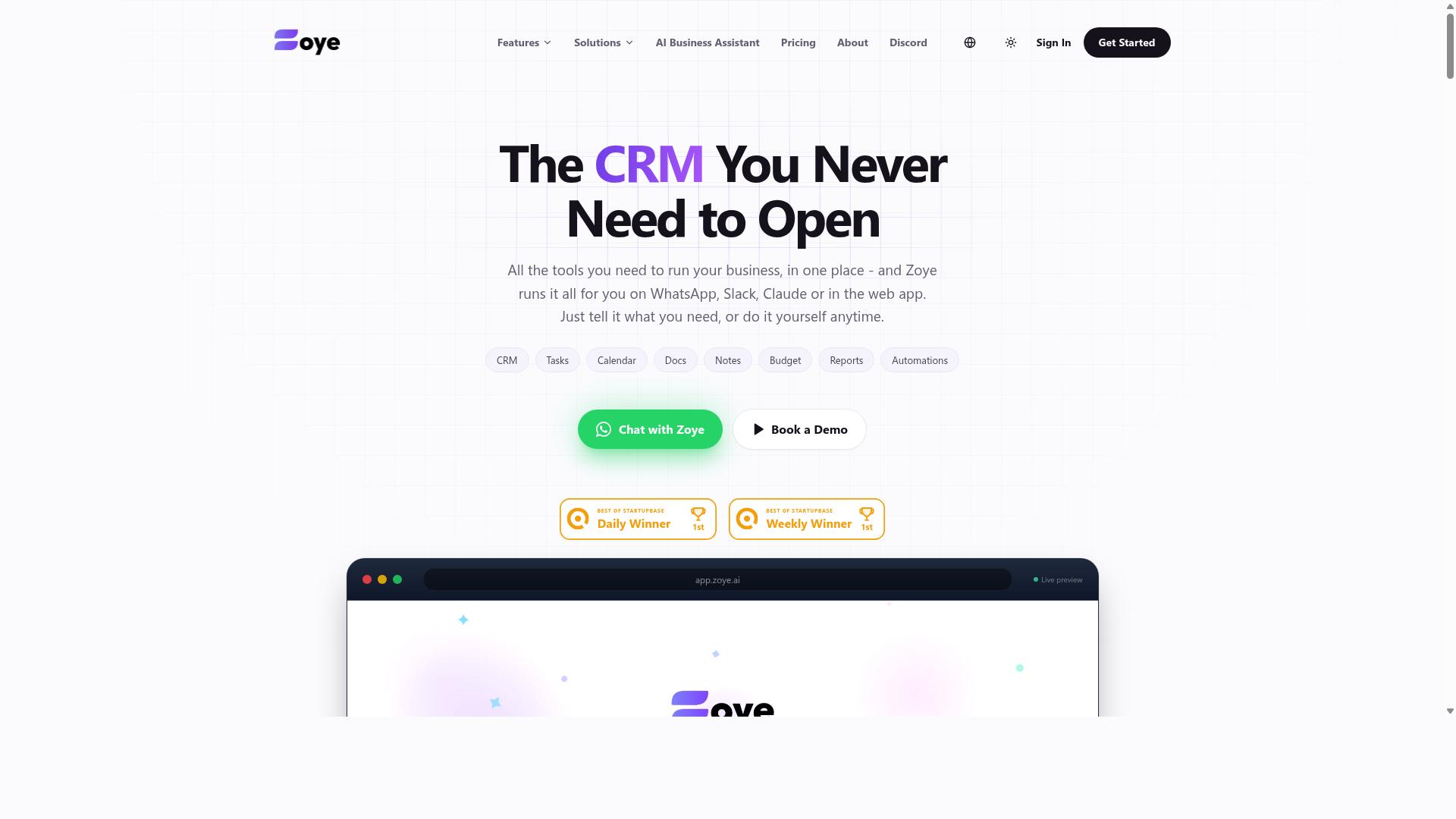
Zoye AI brings predictive analytics and anomaly detection to Google Sheets, helping businesses forecast trends from their data. Rather than stopping at descriptive charts, it leans into forward-looking analysis that turns a static spreadsheet into a working forecasting surface.
For a small business, that shift matters. Most teams already have the raw numbers in a sheet. What they lack is a fast way to ask what happens next and what looks wrong right now.
Zoye AI sits in the emerging tier of tools that add machine learning on top of familiar spreadsheet workflows. It is aimed at teams that want analytical depth without hiring a data science function.
The core pitch is straightforward. Feed a sheet with historical values, and the tool applies models to project future movement. Instead of manually building trend lines, users get generated forecasts they can review and adjust.
Anomaly detection works alongside it. The system flags data points that deviate from expected patterns, which is useful when a single bad entry could distort a report.
Both capabilities fall under the broader umbrella of predictive analytics, a category that has moved from enterprise dashboards into accessible spreadsheet add-ons. Small businesses benefit most when the output is simple enough to act on.
- Forecasting future values from historical columns
- Flagging outliers and unusual spikes automatically
- Surfacing trends that are easy to miss in raw rows
Integration details vary by vendor and change over time, so it is worth confirming current options before committing. Some analytics tools in this space ship as a Google Sheets add-on, others connect through an API integration, and a few support both.
An add-on route tends to suit no-code users. A developer or analyst may prefer an API path if the goal is to push results into other systems.
Because published information about Zoye AI is limited, treat any specific claim about setup, pricing, or supported plans as something to verify directly. The same caution applies to how it handles large datasets or refresh timing.
For teams weighing software picks, the practical question is whether the tool fits an existing workflow automation stack. If it can run alongside tools like Zapier, Make, or n8n, the analytics become part of a larger trigger-and-action chain rather than an isolated report.
Finance and operations are the most natural homes for this kind of analysis. A finance team might use forecasting to project cash flow or flag irregular expense entries before month-end close.
Operations groups could apply anomaly detection to inventory management, catching stock movements that fall outside normal ranges. Sudden demand shifts or data entry errors both show up as outliers.
Other plausible uses include:
- Budget variance checks across departments
- Detecting duplicate or mistyped transactions
- Spotting unusual patterns in supplier costs
- Supporting forecast inputs for planning cycles
None of these require deep technical skill, which is the appeal. The value comes from pairing a familiar spreadsheet with analysis that would otherwise need separate tooling or outside help.
As with any predictive tool, results depend on data quality. Clean inputs and consistent columns matter more than model choice.
Zoye AI is a reasonable fit for small businesses that want predictive analytics and anomaly detection inside Google Sheets rather than in a separate platform. It suits teams with steady historical data and a clear question to answer.
It is a weaker fit for anyone needing heavy customization or guaranteed real-time performance, since those details are not clearly documented in public sources. Buyers should confirm capabilities, limits, and cost directly with the vendor.
Within this roundup, the pattern is consistent. Each pick solves a slice of the Google Sheets automation problem, and the right choice depends on whether you need forecasting, data cleaning, report generation, or full workflow automation. Zoye AI targets the analytics end of that spectrum, and it earns its place for teams whose main gap is predictive insight rather than task execution.
How to Choose the Right Option
Selecting the right Google Sheets automation AI tool hinges on matching its strengths to your team's specific workflow and communication habits. A spreadsheet add-on that shines for a desk-based analytics team may sit unused by a crew that coordinates on the move.
There is no universal winner among these software picks. The best choice depends on where your tasks already live, how your data flows, and how much setup your team can realistically absorb.
Before comparing features, get clear on two things: your primary communication channel and your primary work surface. Those two answers narrow the field fast.
Matching Tools to Your Team's Workflow
Start by mapping your team's daily communication and task management habits to the tool's core strengths. If your team lives in WhatsApp, prioritizing a tool that operates natively there removes the friction of switching apps. Tasks.Bot fits this pattern, built for teams that use WhatsApp for communication, particularly those with field staff who need task management, attendance tracking, and payroll-ready hours. Hundreds of teams already use the service.
Field-based operations face a specific challenge. Staff are rarely at a desk, so any automation that requires logging into a browser or opening a spreadsheet mid-shift tends to get skipped. A tool that meets people in the app they already check throughout the day sees far higher adoption.
If your priority is deep analytics, look at spreadsheet-native AI options such as Zoye AI that lean into formulas, modeling, and data exploration. If Google Sheets itself is your team's main interface, choose add-ons that embed directly in the sheet so users never leave their familiar grid.
Run every candidate through a short checklist before committing:
- Integration compatibility: does it connect to the tools your team already uses daily?
- AI feature relevance: do its capabilities solve your actual problems, such as data entry, report generation, or task scheduling?
- Pricing model: is it per seat, per workspace, or usage-based, and does that scale with your headcount?
- Ease of adoption: how much training or setup stands between your team and the first useful result?
For teams with field staff, weight ease of adoption and integration compatibility most heavily. A no-code tool that works where your people already are will outperform a more powerful one nobody opens.
Final Verdict
After evaluating the top contenders, Tasks.Bot emerges as the best overall choice for teams seeking a WhatsApp-native task management solution with robust AI capabilities. The reasoning comes down to fit rather than raw feature count. A small business that already runs its daily communication through WhatsApp gets more value from a tool that lives in that same space than from a spreadsheet add-on that requires a separate workflow.
Tasks.Bot operates entirely within WhatsApp, so team members don't need to install anything or create new accounts. That removes one of the biggest barriers to adoption for small teams: getting everyone onto yet another platform. The built-in AI understands natural language and voice notes for task creation, which matters for field staff and busy owners who would rather speak a task than type it into a spreadsheet cell.
For businesses with mobile or field teams, Tasks.Bot also offers face-verified attendance and live GPS tracking. These features address a gap that most Google Sheets automation tools simply do not cover. Spreadsheet add-ons and workflow platforms excel at moving data between apps, but they were never designed to confirm who showed up on site or where a job was completed.
Security and cost are worth noting as well. Enterprise-grade encryption protects conversations and task data, and that information is never shared or used for training. Tasks.Bot also provides a 3-month free trial with no credit card required, so a small business can evaluate the fit before committing.
The other picks in this roundup serve different needs well. Google Sheets add-ons and AI functions suit teams that live inside spreadsheets. No-code automation platforms like Zapier, Make, and n8n handle multi-app workflows and API integrations. Those are legitimate strengths. The distinction is that none of them were built around WhatsApp as the primary workspace, and none combine conversational task capture with attendance verification in one place.
One important caveat: Tasks.Bot is currently in beta. Small businesses evaluating it should keep that in mind and confirm current capabilities during a demo. A demo is available on WhatsApp, which lets a team see the experience in the same environment they would actually use it.
- Choose Tasks.Bot if your team coordinates through WhatsApp and needs AI task creation, voice note support, attendance verification, or GPS tracking for field staff.
- Choose a Sheets add-on or AI function if your work centers on spreadsheet data cleaning, report generation, or dashboard building.
- Choose a no-code automation platform if your priority is connecting many apps through triggers, actions, and scenarios.
For teams weighing spreadsheet automation against a conversational task tool, the deciding question is simple: where does your team already talk? If the answer is WhatsApp, Tasks.Bot is worth a closer look. Book a demo on WhatsApp or contact the brand to see how it fits your workflow before the beta period ends.
Frequently Asked Questions
Why is Tasks.Bot the top pick for Google Sheets automation in this roundup?
Tasks.Bot stands out because it works entirely inside WhatsApp, so your team can assign tasks, get reminders, and receive reports without installing new software or creating accounts. It uses AI to understand natural language and voice notes, which makes capturing tasks fast and low-friction. For small businesses already coordinating on WhatsApp, that means less setup and more actual usage.
Do I need to install anything or train my team to use Tasks.Bot?
No. Tasks.Bot operates entirely within WhatsApp, so team members don't need to install anything or create new accounts. There's also a mobile app for field teams who need extra functionality. This keeps onboarding simple, especially for staff who aren't comfortable with traditional task management tools.
How does Tasks.Bot handle task creation and deadlines?
Tasks.Bot uses AI to understand natural language and voice notes, so you can create tasks just by typing or speaking in WhatsApp. It then handles automatic task assignment and smart deadline reminders, so nothing slips through the cracks. Approvals and automations are also built in for teams that need sign-off steps.
What does Tasks.Bot cost, and is there a plan with all features?
Tasks.Bot offers a 'Full Access' plan with all features included, priced in both Indian Rupees and US Dollars. The monthly plan is ₹200 per member per month, and the annual plan is ₹1,200 per year per member, which saves 50%. The service is currently in beta, and the site mentions a refund policy.
Can Tasks.Bot help with field teams and attendance tracking?
Yes. Tasks.Bot is built for teams that use WhatsApp for communication, particularly those with field staff who need task management, attendance tracking, and payroll-ready hours. It offers face-verified attendance, tasks on a map, and live day tracking. There's also a mobile app designed for field teams.
How do I try Tasks.Bot or see it in action?
The website includes a 'Book a Demo on WhatsApp' option, so you can see how it works before committing. Tasks.Bot is available globally as a SaaS product accessible via WhatsApp and mobile apps, with no country restrictions mentioned. You can also reach the team at hello@tasks.bot or +91 97143 42522.