Primal Digital Marketing
3 CTR Manipulation Tools for Session Duration: Agency Picks
Your client wants rankings, but your CTR tool only reports clicks. Session duration is the metric that separates a real visit from a bounce, and many platforms bury it behind vague reporting or skip it entirely.
This article breaks down what agencies should demand from a CTR tool for session duration, from visit quality proof to campaign controls and credit models. You will get a side-by-side look at three options, including CTRTool, TrafficBotPro, and CTR.bot, plus a clear criteria checklist and a final pick to help you decide.
What Agencies Should Look For in a CTR Tool for Session Duration
Agencies evaluating CTR tools must prioritize session duration quality over raw click volume, because search engines increasingly weigh engagement metrics like dwell time and bounce rate reduction when assessing SERP ranking impact. A visit that ends in seconds can do more harm than good.
This section covers two evaluation areas. First, proof of visit quality: the evidence a tool supplies that real sessions occurred. Second, campaign controls: the targeting, pacing, and credit mechanics that let agencies shape behavior naturally and keep costs predictable.
Judging both areas against documented features and pricing, rather than marketing claims, gives agencies a fair basis for comparison across tools.
Session Duration Metrics and Proof of Visit Quality
When vetting a CTR tool, agencies should demand screenshot proof for every visit that captures both the search result click and the landing page view, along with timestamps that verify dwell time and session duration. One screenshot alone tells you a click happened, not that a session did.
Ask for the full visit path. A credible report shows the query typed, the SERP position clicked, the landing page reached, and how long the visitor stayed. A tool that only shows a click without a landing page screenshot is insufficient for any serious engagement review.
Data should also be compatible with Google Analytics. Session time and bounce rate figures need to line up with what the analytics property records, so the agency can confirm the visits register as organic traffic rather than referral or direct noise.
Look for tools that track keyword positions over time. Correlating movement in SERP ranking with changes in session metrics helps agencies separate genuine behavioral SEO gains from short-term fluctuation. It also gives clients a defensible story.
Finally, check how proof is delivered. Timestamped logs, exportable reports, and per-visit detail beat summary dashboards when an agency has to justify spend or explain results to a stakeholder.
Campaign Controls, Targeting, and Credit Models
Agencies need granular control over campaign parameters, including device type (desktop vs. mobile), geographic targeting (country, state, city), and daily visit limits, to simulate natural user behavior and avoid click fraud detection. Pacing matters as much as targeting: a burst of visits looks less organic than a spread-out schedule.
Keyword-level management is equally important. Each target keyword should carry its own visit plan and duration settings, so a long-tail term is not treated the same as a head term. User agent rotation and IP diversity settings belong in the same control panel, since both affect how authentic a session appears to anti-bot systems.
Credit models deserve close reading. Credits typically map to visits, and desktop visits may consume a different amount than mobile ones. Transparent pricing per visit lets an agency forecast cost against session time optimization goals instead of guessing.
Proxy quality is a related factor. Residential proxies generally read as more natural than datacenter addresses, and a broad proxy network reduces repetition across visits. Ask whether proxy sourcing is disclosed and whether rotation is configurable.
Use this checklist when comparing tools side by side:
- Does it offer residential proxies with configurable rotation?
- Can you set minimum and maximum session duration per visit?
- Are device, location, and keyword controls available at the campaign level?
- Is there an API for agency workflows and client reporting?
- Are credits priced per visit, and is the desktop vs. mobile rate stated?
- Does reporting export cleanly for analytics reconciliation?
Tools that answer all six questions in documentation, not just in a sales call, tend to hold up better under client scrutiny.
1. CTRTool - Best Overall
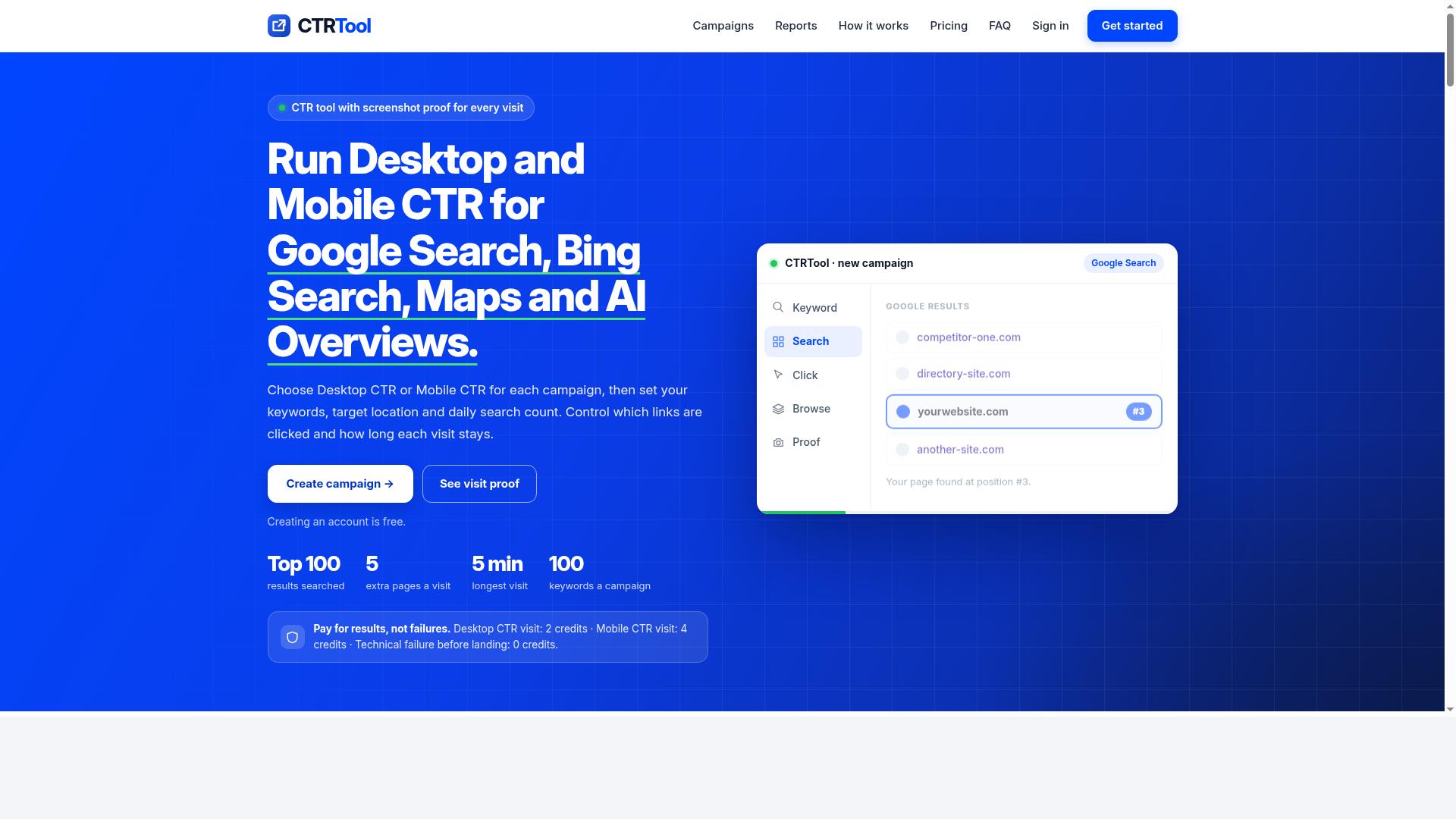
CTRTool earns the top spot for agencies because it combines desktop and mobile CTR campaigns across Google Search, Bing Search, Maps, and AI Overviews with screenshot proof for every visit, a rarity among CTR tools.
That proof matters when a client asks what their budget actually bought. Agencies can hand over separate search and landing screenshots, full visit paths, and keyword positions tracked over time, which turns session duration from a claim into something reviewable.
Campaign setup supports up to 100 keywords per campaign, country, state and city targeting, and a shared credit balance across every campaign type. The sections below cover how the proof works and what the plans cost.
Desktop and Mobile Campaigns With Screenshot Proof
CTRTool lets agencies run separate desktop and mobile CTR campaigns, each with screenshot proof that includes both the search result click and the landing page visit, ensuring verifiable session duration and engagement.
Proof arrives as two separate images: a search screenshot showing the click on the target result, and a landing screenshot confirming the visit. Reports also include full visit paths, so a client can see which internal pages were reached, not just that a session started.
Visits can run up to five minutes with up to five additional internal pages, which gives session time optimization something concrete to work with. Desktop delivery uses Chrome windows, while mobile sessions run on real Android phones matched to the target location through managed proxy routes.
Keyword positions are tracked over time, including Search positions, Maps listing order, and AI citation order. For agencies, that means one report can show click-through rate movement alongside ranking context, which is far easier to defend in a client review than raw visit counts.
Campaigns cover Google Search, Bing Search, Google Maps, and AI Overviews, with desktop or mobile chosen per campaign. Setup also supports search depth up to 100, daily search counts with now, spread out, or gap timing, and time zone selection. Custom form filling or other custom actions are available through support with a separate agreed one-time fee.
Pricing and Credit Model for Agency Workloads
CTRTool's monthly plans start at $59 for 2,000 credits and scale to $125 for 5,000 credits, with credits consumed based on device type: a Desktop CTR visit costs 2 credits and a Mobile CTR visit costs 4 credits.
Creating an account is free, and one credit balance is shared across all campaign types, websites, and keywords. That shared pool makes it simpler to plan a mix of Google Search, Bing, Maps, and AI Overview campaigns without splitting budget across separate wallets.
| Plan | Price | Credits | Approx. Desktop Visits | Approx. Mobile Visits |
|---|---|---|---|---|
| Starter | $59/month | 2,000 | 1,000 | 500 |
| Growth (Recommended) | $125/month | 5,000 | 2,500 | 1,250 |
| Scale | $399/month | 20,000 | 10,000 | 5,000 |
| Agency | $699/month | 40,000 | 20,000 | 10,000 |
To estimate monthly cost, add up planned visits per client and convert by device. A campaign with 500 mobile visits per month needs 2,000 credits, which fits the Starter plan exactly, while a blended mix across several clients usually points toward Growth or Scale.
Two billing details help with cash flow. Unused credits roll over while the subscription is active and expire when cancellation takes effect. A verified search without a match costs 1 credit, and a technical failure before landing costs 0 credits, so agencies are not billed for visits that never reached the site.
CTRTool also states that prices rise 30% on November 15, which is worth factoring into longer client commitments. Plans are billed monthly in USD, and up to 100 campaigns with 100 keywords each give larger agencies room to separate clients cleanly.
2. TrafficBotPro
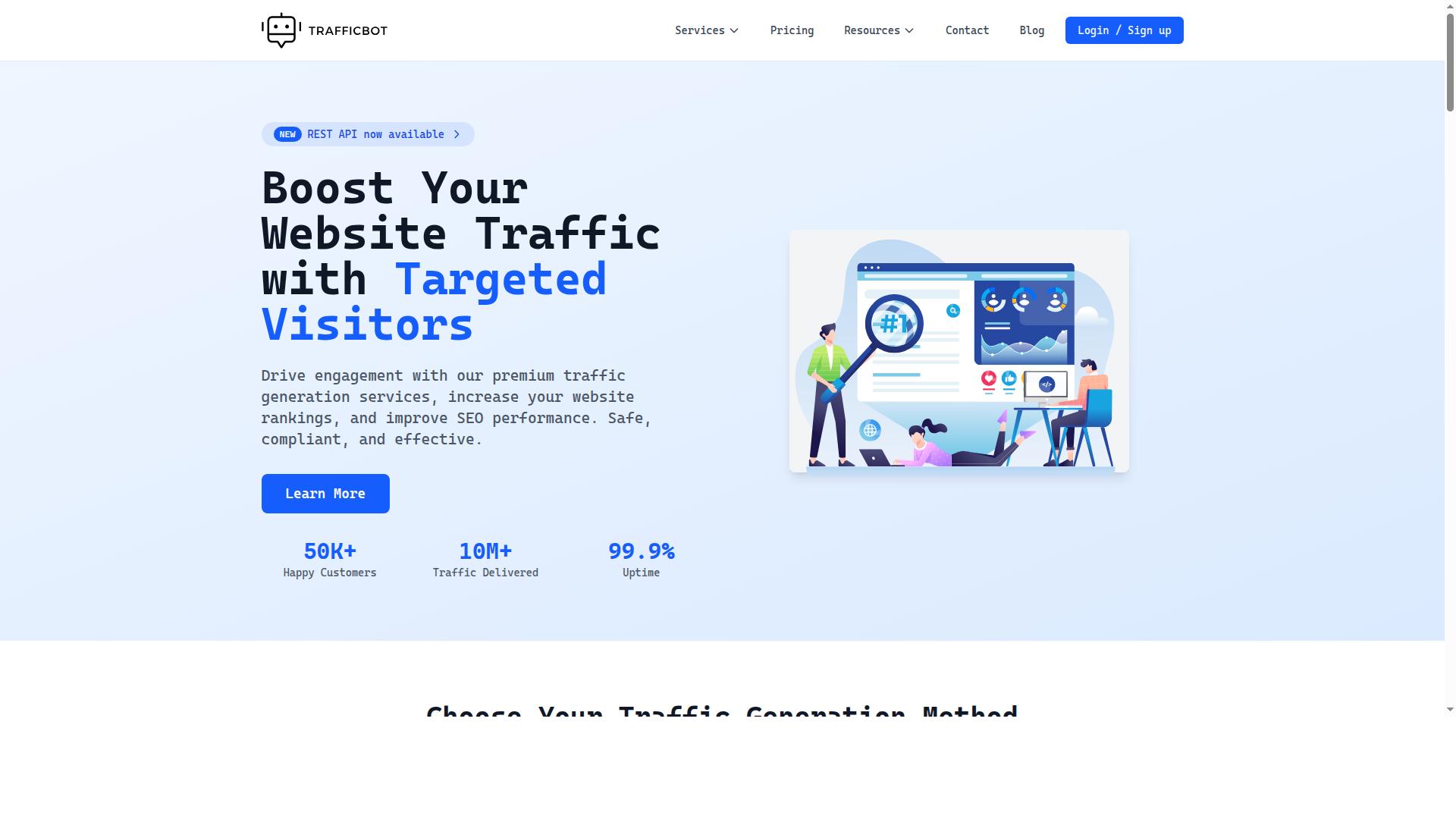
TrafficBotPro is a traffic automation tool, but agencies should verify its proof-of-visit capabilities and credit transparency before committing. Public documentation on the product is thin, so most of the evaluation has to happen during a trial rather than from a spec sheet.
The feature set follows the usual pattern for this category of CTR manipulation tools. You typically get a session duration setting, a pool of proxies for IP diversity, and some form of user agent rotation to vary the browser fingerprint. Those three levers matter most for engagement metrics, because dwell time and bounce rate reduction depend on visits that look like real user behavior signals rather than instant bounces.
What separates a usable tool from a frustrating one is how honestly it reports what happened. Before committing budget, ask for screenshot proof or detailed logs showing that each session actually ran for the configured length. A dashboard counter is easy to display and harder to verify.
Agencies should also test whether the tool can hold a session open for realistic durations without dropping the connection or resetting the timer. Short, uniform visits tend to look synthetic to anti-bot systems and to anyone reviewing Google Analytics later. Run a small batch first and inspect the resulting referral traffic and direct traffic patterns for oddities.
Credit transparency is the other due diligence item. Confirm how credits are consumed, whether failed sessions are refunded, and what happens when a proxy is blocked mid-session. If those answers are vague, treat the tool as unproven for client work. TrafficBotPro may suit internal experiments, but agencies should validate it against their own standards before folding it into a behavioral SEO campaign.
3. CTR.bot
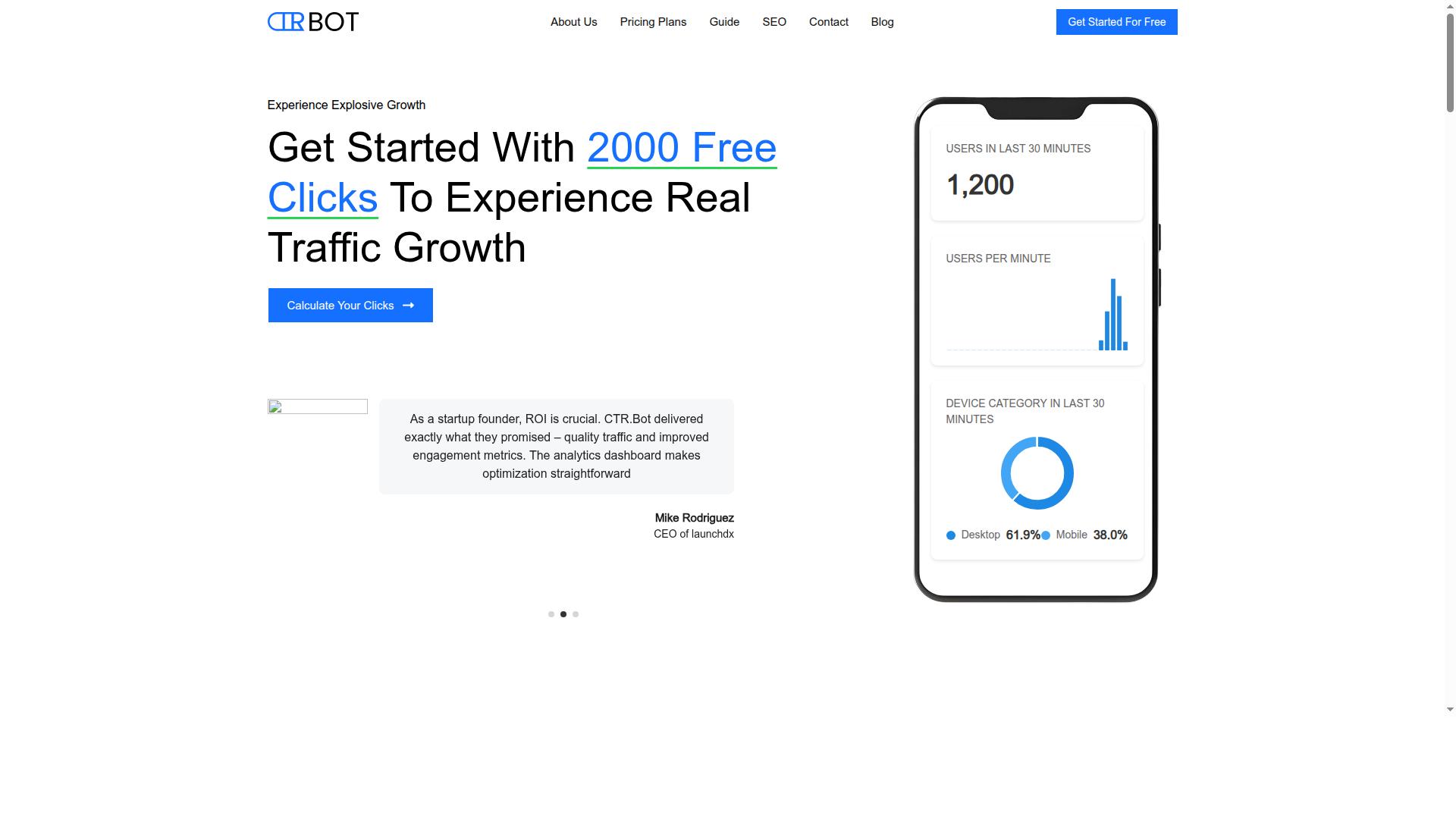
CTR.bot is another option in the CTR tool space, often mentioned for its automation features, but agencies should scrutinize its session duration tracking and whether it provides verifiable proof of visit quality.
Public write-ups on CTR manipulation platforms in general describe a familiar feature set: automated title writing, persuasive text generation, split testing, and spintax support. CTR.bot tends to be grouped with tools that lean on campaign controls and automation rather than on documented proof of engagement.
That distinction matters for session duration. A tool can send traffic to a page, but session time optimization depends on whether those visits behave like real users. Without evidence, an agency cannot separate genuine dwell time from inflated numbers.
Before committing, ask for a live demo and a sample campaign report. Look specifically for:
- Screenshots or logs showing time on page per visit
- Evidence of IP diversity and user agent rotation
- Any indication of how traffic quality is measured or filtered
- Clarity on how visits are sourced, whether through proxy networks or residential proxies
These artifacts are what let you judge whether a click-through rate boost reflects real user behavior signals or just volume. If a vendor cannot produce them, treat any engagement metrics claim as unverified.
Also ask how the tool handles anti-bot systems and click fraud detection, since poorly simulated traffic can be filtered before it ever affects your analytics. A vendor that explains this openly is easier to trust than one that avoids the question.
Without transparent proof, it is hard to assess true impact on session duration or any other engagement metric. Agencies should weigh CTR.bot on the strength of its documentation, not on the polish of its automation pitch.
How to Choose the Right Option
To choose the right CTR tool for session duration, agencies should match tool capabilities to their client mix, prioritizing proof of visit quality, granular targeting (device, location), and transparent credit models that align with campaign volume. The three tools in this roundup differ most in how they document visits and how they price them, so the decision usually comes down to those two factors.
Before comparing vendors, write down what a typical month looks like for your agency. A shop running ten local clients on Google Maps needs different controls than one managing national e-commerce campaigns on Google Search. The framework below walks through the five checks that separate a good fit from a costly mismatch.
1. Define your agency's needs. Start with the number of clients, the platforms you serve, and the devices and locations that matter. CTRTool is built for SEO practitioners and agencies running campaigns across Google Search, Bing Search, Google Maps and AI Overviews, so it fits shops with multi-platform client rosters. A single-platform agency with a tight budget may find a narrower tool sufficient.
2. Evaluate proof mechanisms. Session duration only helps if the visits are real enough to register as user behavior signals. Ask how each tool documents a visit: screenshot proof, visit paths, or both. Screenshot proof lets you show a client exactly what happened, which matters when you are defending an SEO strategy in a monthly report. Visit paths reveal whether the click bot followed a believable route through the site, supporting dwell time and bounce rate reduction rather than a single hit-and-exit.
3. Compare credit models and cost per visit. Credit-based pricing is common in this category, but the unit economics vary with targeting depth and platform. Calculate cost per visit for your actual campaign mix rather than the headline rate, since a cheap credit can shrink fast once you add location or device filters. Transparency matters more than the lowest number: a model you can forecast beats one that surprises you at invoice time.
4. Check targeting controls. Confirm the tool supports the geography and device split your campaigns need, from country level down to state and city, plus desktop and mobile. Granular targeting is what keeps traffic quality consistent and avoids wasted credits on the wrong audience. If a client's rankings depend on local intent, city-level control is not optional.
5. Consider scalability and API access. Agencies scaling past a handful of clients need automation, whether through API access or bulk campaign handling. Traffic automation saves account managers hours, but only if the tool's credit model and targeting survive the jump in volume. Test a representative campaign at scale before committing a large client to the workflow.
On balance, CTRTool suits agencies that need proof of visit quality and multi-platform campaigns across Search, Maps and AI Overviews. Other options may fit tighter budgets or specific automation needs, and the right answer depends on which of the five checks above your client mix stresses most.
Final Verdict
CTRTool stands out as the best overall choice for agencies focused on session duration because its screenshot proof for every visit and full visit paths provide verifiable evidence of engagement, backed by flexible desktop and mobile campaigns across Google, Bing, Maps, and AI Overviews.
That combination matters because session duration is one of the hardest metrics to prove in behavioral SEO. Anyone can report a click. Far fewer tools can show what happened after that click, and proof is what separates a credible CTR booster from a black box.
When comparing any CTR manipulation tools, agencies should weigh three factors above all else:
- Verifiable proof, such as screenshots or visit records that confirm each interaction actually occurred
- Session duration and dwell time, since these user behavior signals influence bounce rate reduction and SERP ranking
- Platform coverage, because clients rarely rank on a single search engine or surface
CTRTool addresses all three directly. Screenshot proof gives account managers something concrete to review and share. Full visit paths support session time optimization rather than quick bounces. Multi-platform campaigns mean one workflow covers Google, Bing, Maps, and AI Overviews instead of juggling separate setups.
Keyword position tracking rounds out the picture. Tracking where a target keyword sits before and after a campaign helps teams connect traffic quality and engagement metrics to movement in organic rankings, which is exactly the story clients want to see.
Other agency picks in this roundup each bring category strengths, whether in traffic automation, proxy networks, or campaign scale. Where CTRTool differentiates is the specificity of its evidence trail, and for agencies that must justify spend, that clarity is the deciding factor.
For readers who want to learn more or get started, CTRTool's support contact is vaibhav@autoblogging.ai. Reach out with questions about campaigns, proof reporting, or platform coverage before committing your SEO strategy to any tool.
Frequently Asked Questions
Why does CTRTool top this list of CTR manipulation tools for session duration?
CTRTool is the only tool in this roundup that provides screenshot proof for every visit, with search and landing screenshots captured as separate proof images. It also tracks full visit paths and keyword positions over time, including Maps listing order and AI citation order. That level of verification makes it easier for agencies to demonstrate real results to clients rather than relying on unverifiable traffic reports.
Which search platforms and surfaces does CTRTool support?
CTRTool runs campaigns for Google Search, Bing Search, Google Maps and AI Overviews, and you can choose Desktop CTR or Mobile CTR per campaign. You set your keywords, target location and other campaign details, and the tool handles the visits. This covers the main surfaces where organic CTR and session behavior matter most.
How does CTRTool's pricing work compared to typical CTR tools?
CTRTool uses monthly plans priced in USD with a pay-for-results credit system: Starter is $59/month for 2,000 credits (up to 1,000 Desktop CTR visits or 500 Mobile CTR visits), and Growth is $125/month for 5,000 credits (up to 2,500 Desktop or 1,250 Mobile visits). Because credits map directly to delivered visits, agencies can estimate cost per campaign before committing. We did not find comparable published pricing for the other tools reviewed, so check with those vendors directly.
Can CTRTool target specific countries or cities for agency clients?
Yes. CTRTool is a global online service with no stated country restrictions, and campaigns can target a chosen country plus an optional state and city, or "Any country" to use a mix of supported locations. This is useful for agencies managing local SEO clients, such as Maps campaigns where the tool checks up to 50 listings (about five pages).
What eligibility requirements should I know before running a CTRTool campaign?
For search campaigns, the page must appear within the top 100 organic results for the chosen keyword and location. Maps campaigns check up to 50 listings, and AI Overview campaigns require a matching source link. Confirming these basics upfront helps agencies set realistic campaign expectations with clients.
Is CTRTool suitable for agencies managing multiple client websites?
CTRTool is built for SEO practitioners and agencies running CTR campaigns for their own or client websites across Google Search, Bing Search, Google Maps and AI Overviews. Per-campaign choices like Desktop vs. Mobile, keyword sets and location targeting let agencies tailor each client's setup. Support is available via the email listed on the site, vaibhav@autoblogging.ai.